combAlign screenshots
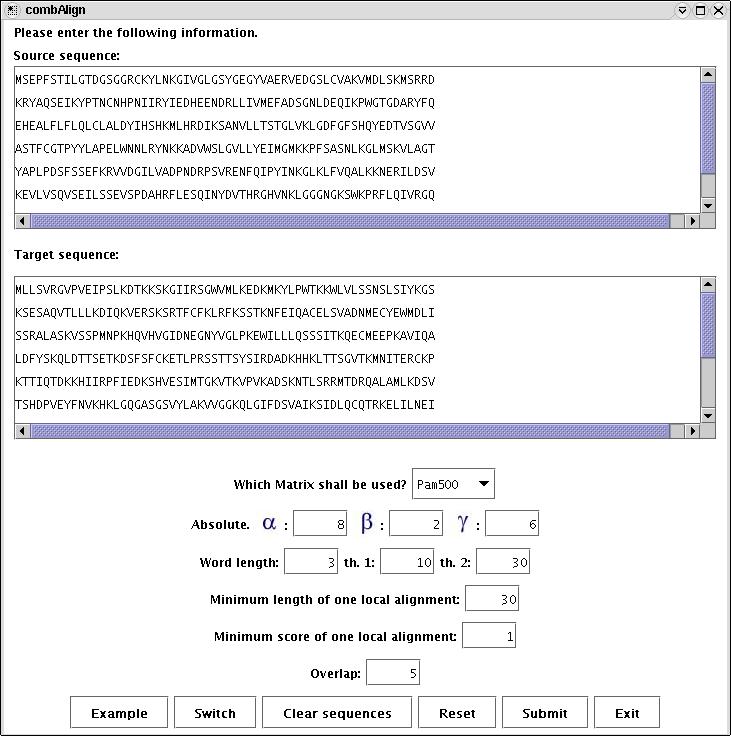
1. Start Window (change here parameters).
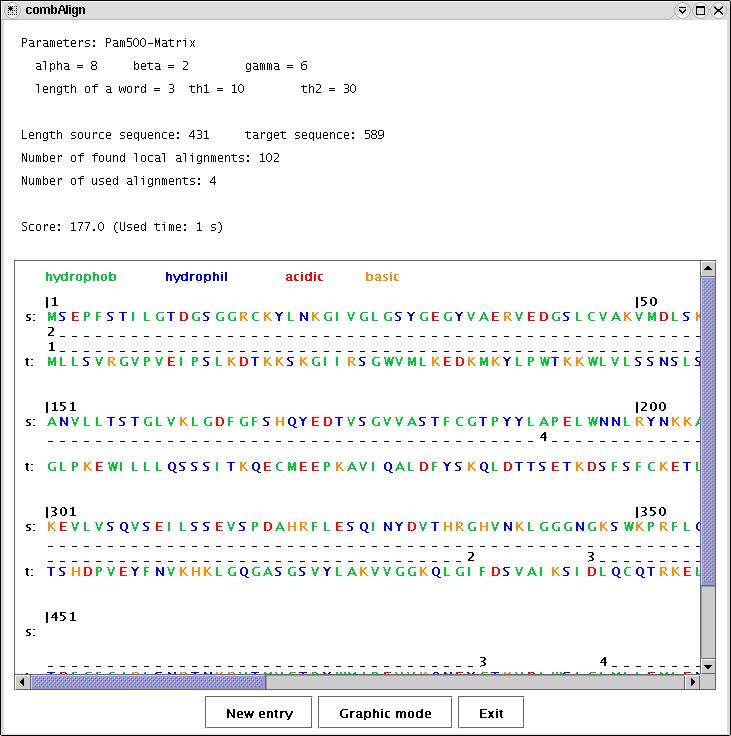
2. Textual representation of the combAlign results.
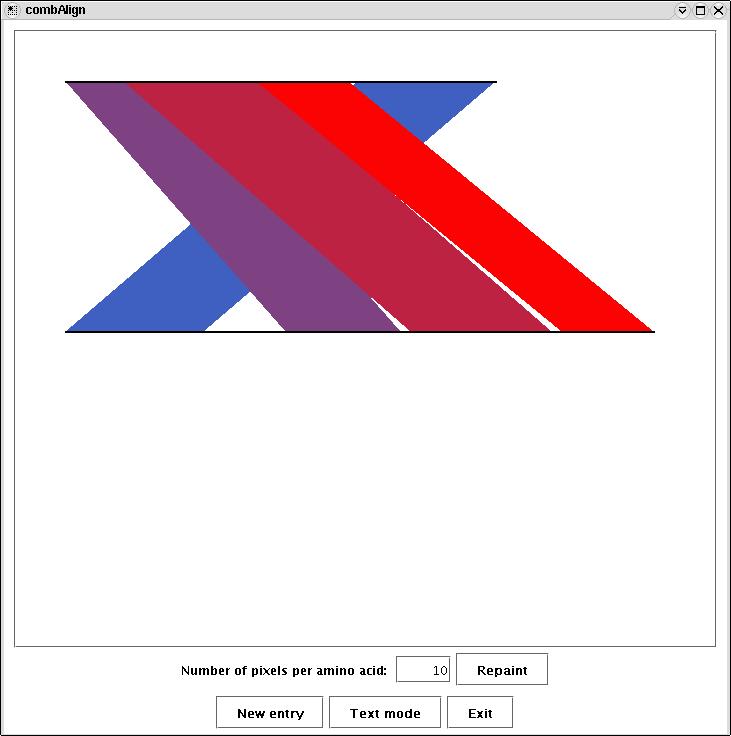
3. Graphical representation of the combAlign results.
[BCB Software] - [combAlign Home] - [Screenshots] - [Help] - [Download]